
How to Log In to KS Warehousing Using Amazon 
Step 1:
On the KS Warehousing login page, click the Amazon Icon. 
Step 2:
You will be redirected to a page that looks like the one in the image bellow.
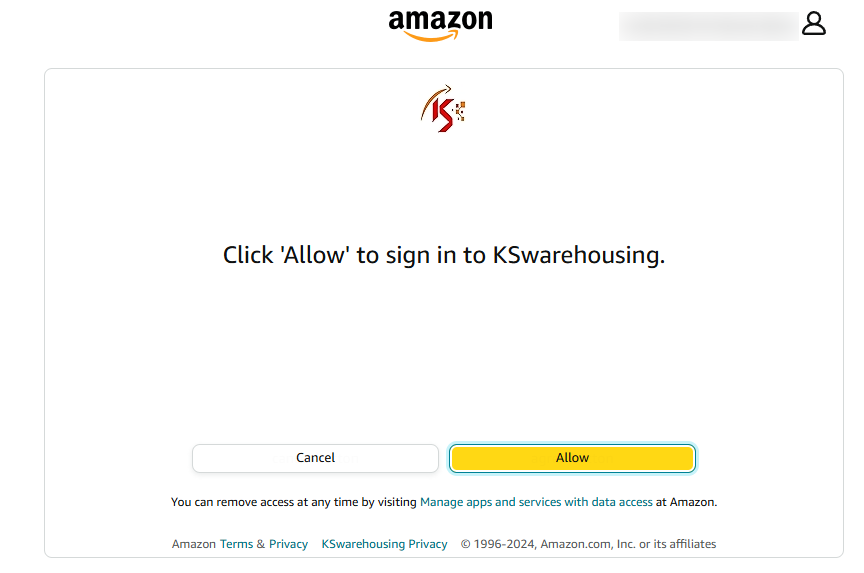
Step 3:
Click the "Allow" button to authorize access.
Step 4:
After clicking "Allow," you will be redirected to the KS Warehousing dashboard, where you can start managing your tasks.
Note:
If you encounter any issues, ensure that you are signed into your Amazon account and have granted the necessary permissions. For assistance, contact support at help@kswarehousing.com. or you can open ticket our help team will responded you.