
How to Log In to KS Warehousing Using TikTok
Step 1:
On the KS Warehousing login page, click the TikTok Icon. 
Step 2:
You will be redirected to the Tiktok authorization page where it will ask you to grand permission to access Tiktok for KSWarehousing. or ask you to login with your register phone or email after login you will redirect to This page.
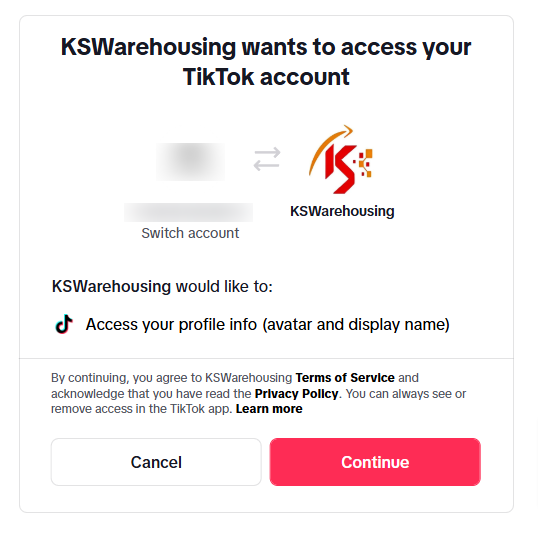
Step 3:
If prompted, click  to grant KS Warehousing the required permissions to access your TikTok account.
Step 5:
Once authorized, you will be redirected to the KS Warehousing dashboard, ready to manage your tasks.
Note:
Ensure you use the TikTok account linked to your KS Warehousing profile. For assistance, contact support at help@kswarehousing.com.