
How to Log In to KS Warehousing Using Facebook
Step 1:
On the KS Warehousing login page, click the Facebook Icon.
Step 2:
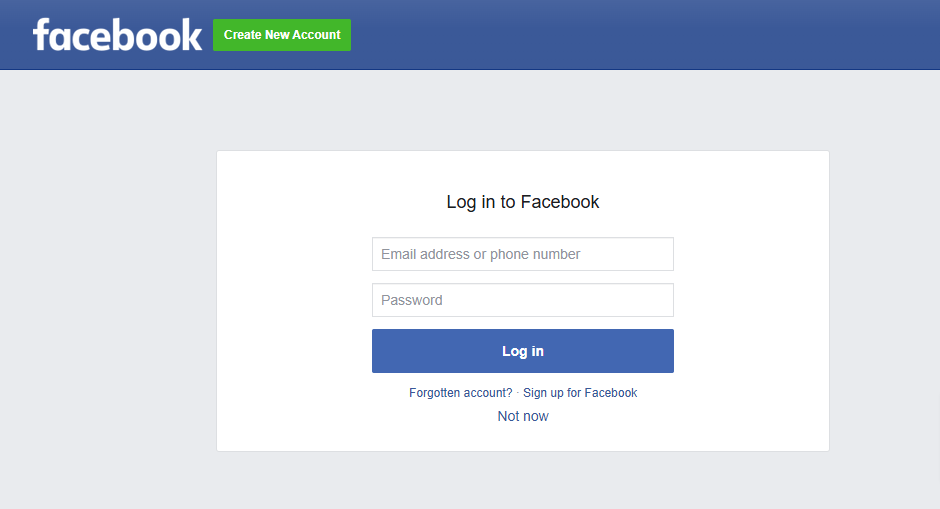
You will be redirected to the Facebook login page.
Step 3:
Enter your Facebook email address or phone number and password, then click Log In.
Step 4:
If prompted, review the permissions KS Warehousing is requesting and click Continue to authorize access to your Facebook account.
Step 5:
After authorization, you will be redirected to your KS Warehousing dashboard, where you can start managing your tasks.
Note:
Ensure you are using the Facebook account associated with your KS Warehousing profile. If you encounter any issues, contact support at help@kswarehousing.com or open the ticket.